
What Is Garmin Connect IQ? Apps for Your Cycling Device
Garmin Connect IQ is a free app store for Garmin devices. It lets you install weather apps, training tools, and route planners directly on your watch or head unit.
If you ride with a Garmin, a cycling computer or a watch, you have probably seen the app store icon on it. That is Garmin Connect IQ, and it is one of the most useful features most cyclists never touch. Connect IQ is a free platform that lets you install apps, data fields and tools straight onto your Garmin, with no phone needed in your pocket during the ride.
What Is Garmin Connect IQ
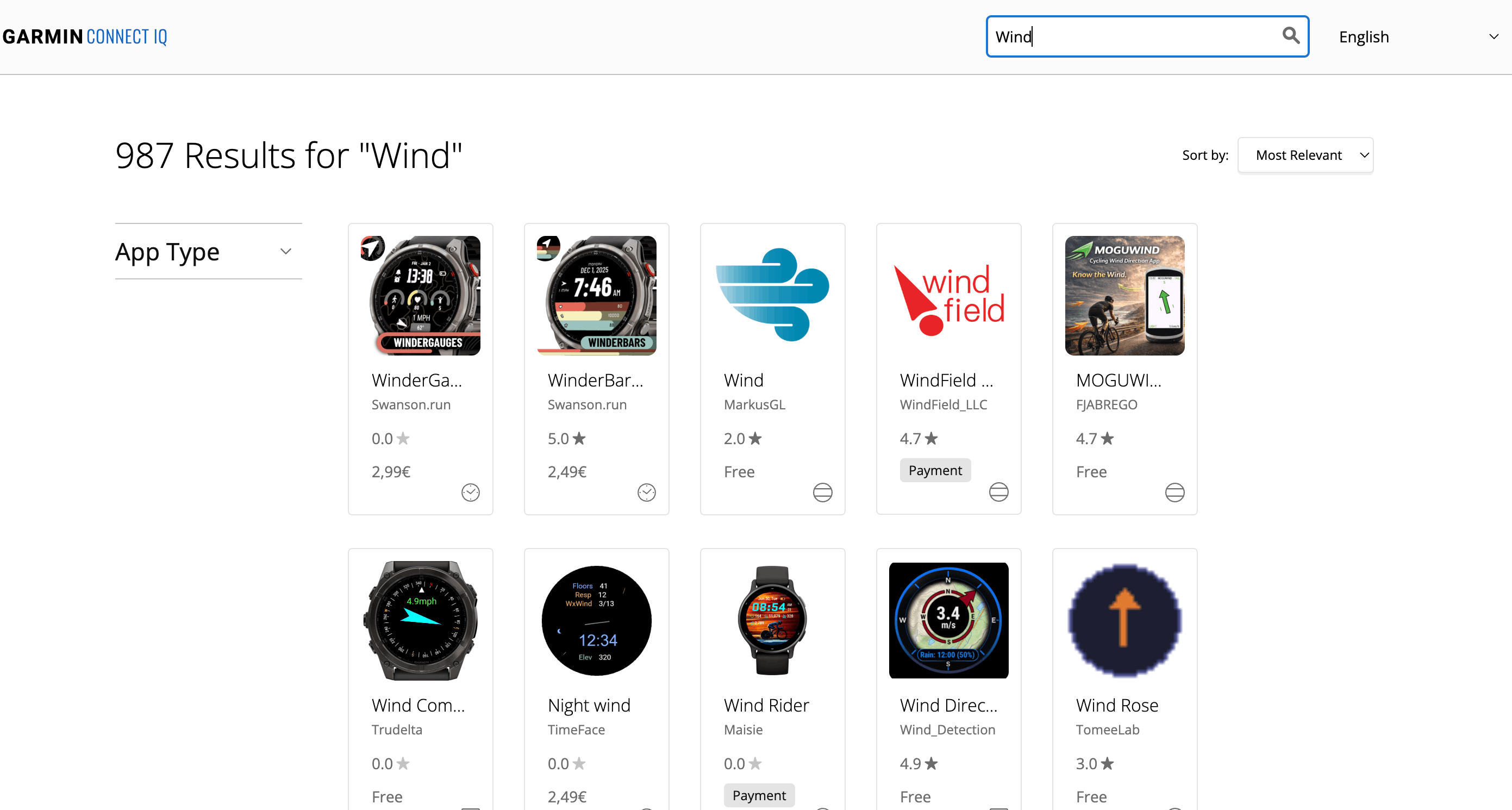
Garmin Connect IQ is an app platform built into Garmin devices. Think of it like the app store on your phone, but made for cycling computers, running watches and fitness trackers. You open the Connect IQ store from the Garmin Connect app on your phone, or at apps.garmin.com, and from there you browse, install and manage apps that add new functions to your device.
It works across hundreds of Garmin products. Cycling computers across the whole Edge line, watches like the Fenix, Epix and Forerunner series, multisport watches and plenty of older models. The catalogue runs to thousands of third party options, from simple watch faces to full training and navigation tools.
The appeal is simple. Your Garmin becomes what you need it to be. The stock software is solid, and Connect IQ adds specialised tools for cyclists, runners, swimmers and outdoor athletes. Because they run on the device itself, you do not need a phone in your hand while you ride. The data is on your handlebar or your wrist, not in your pocket.
How to Install and Use Connect IQ Apps
Installing an app takes under two minutes.
- Open the Garmin Connect app on your phone, or go to apps.garmin.com on a computer.
- Browse the store by category, watch faces, data fields, apps or widgets.
- Pick an app and tap Install.
- Choose your device if you have more than one Garmin on your account.
- Confirm, and the app syncs to your device wirelessly within a few minutes.
Once installed, some apps show up as data fields during a ride and add new metrics to your screens. Others open as standalone apps with their own view. You decide which appear where, reorder them, change their settings and remove them just as easily. If an app slows your device or clutters the menu, uninstalling takes seconds.
Why Cyclists Use Connect IQ
What Connect IQ covers for cyclists is broad.
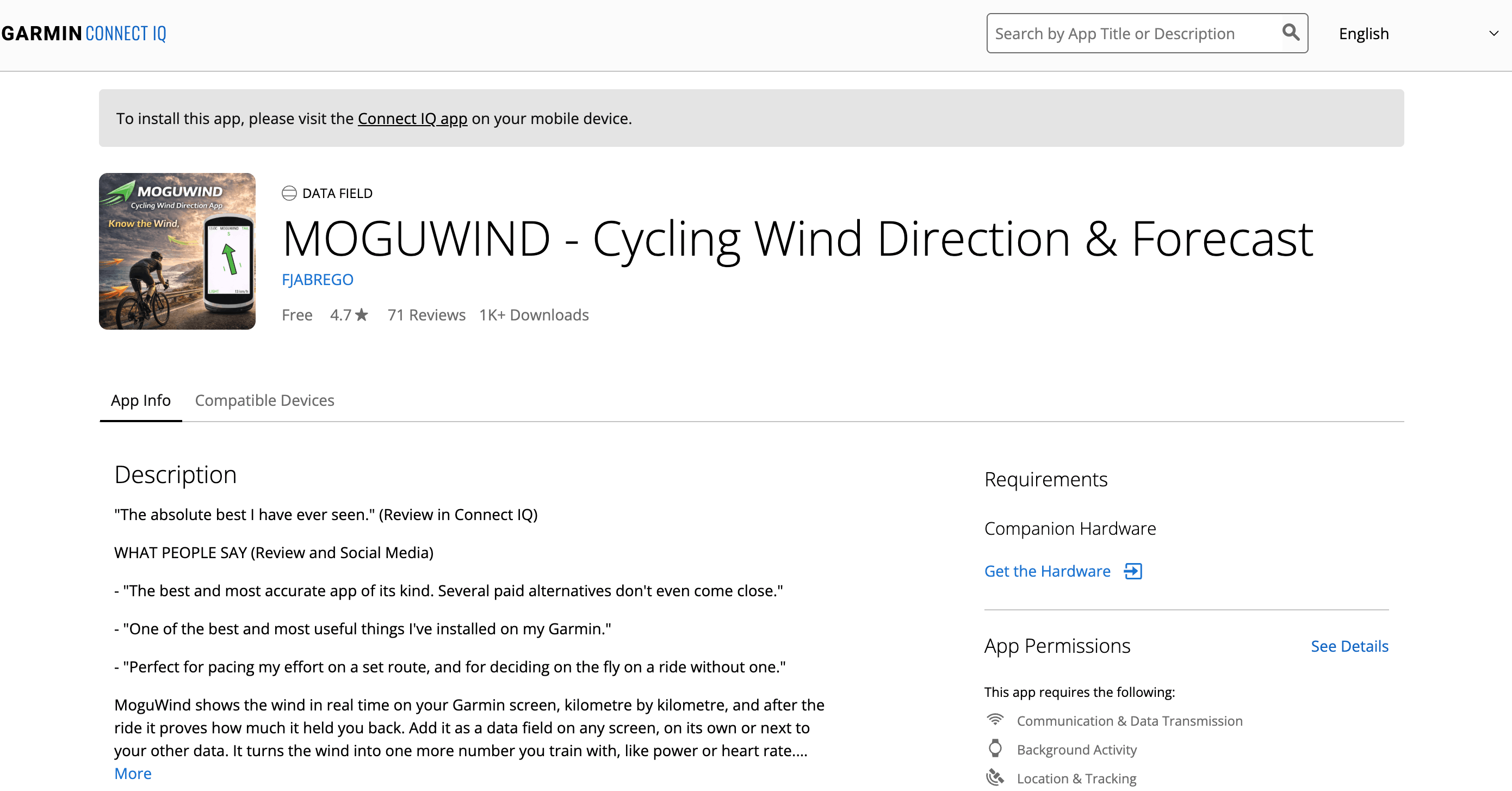
- Weather and wind forecasts. Apps like MoguWind show the wind you are actually getting relative to your heading, head, tail or cross, not a single regional number.
- Training metrics. Power analysis, cadence, heart rate zones and recovery tips from third party platforms and coaches.
- Navigation and routing. Route apps that work with Komoot, Strava and other popular tools.
- Climbing and elevation data. Tools that flag the tough sections before you reach them, not once you are already in them.
- Nutrition and hydration alerts. Apps that remind you to eat and drink based on real effort, not just a fixed timer.
- Custom data screens. Layouts that put the metrics you actually use in the size and order that suit you.
The practical win is that everything lives on the device. You are not unlocking your phone at a junction or syncing after a segment. Whatever you need is already on the screen.
MoguWind on Connect IQ, Wind for Every Kilometre
MoguWind is one of the most useful Connect IQ apps for riding in changing conditions. Instead of one wind speed for the whole route, MoguWind works out the wind for every kilometre at the time you will actually be there. You know when the headwind hits, when you get a tailwind and when it shifts, before any of it happens.
The workflow is simple. Use MoguWind Plan, the free web planner, to see the wind on your route before you ride and pick the best time to go. Then out on the road, the MoguWind data field shows you the wind live on your Garmin, so you pace yourself with real information instead of a guess. By August 2026 it had passed 10,000 downloads with a 4.7 rating in the Connect IQ Store, and it has become a standard tool for cyclists who take conditions seriously.
Weather apps tell you it is windy. MoguWind tells you exactly when the hard part is coming and how long it lasts.
Free to install. Takes two minutes on the Connect IQ Store. Works on 24 Garmin devices.
Get MoguWind for Garmin →Tips for Getting the Most From Connect IQ
Don't install everything. More apps mean slower start up and cluttered menus. Keep what you use on a ride and drop the rest.
Check compatibility first. Not every app runs on every device. Before installing, make sure your Garmin model is on the supported list. MoguWind, for example, works on 24 specific Edge, Fenix and Forerunner models.
Keep apps updated. Developers push fixes and new features. Check Garmin Connect now and then for updates. A lot of reported problems come down to running an old version.
Watch the battery on long rides. Some data fields, especially ones pulling live data, use more power than the stock screens. On rides over four hours it is worth knowing how your apps affect battery before you depend on them.
Test before a big ride. If you plan to lean on a new app for an event or a long route, try it on a short ride first. Learn where the data sits on your screen and how it behaves in real conditions.
Use the web companion. Many Connect IQ apps, MoguWind included, have web planning tools. Doing the setup on a bigger screen before you leave makes the ride much cleaner.
The Bottom Line
Garmin Connect IQ stretches what your Garmin can do without adding cost or hassle. Wind forecasts, training analysis, route guidance, the platform has tools built for all of it. Installing takes under two minutes and the apps run right on your device. If you own a Garmin and have not looked at Connect IQ yet, you are leaving a useful part of it sitting idle.
Free to install. Takes two minutes on the Connect IQ Store. Works on 24 Garmin devices.
Get MoguWind for Garmin →Keep reading about the wind app for Garmin.