
What Garmin Connect IQ Apps Are and How They Work for Cyclists
Garmin Connect IQ is the app platform built into your Garmin sports watch or cycling computer. It lets you install third-party apps, like wind forecasting, directly on your device.
If you own a modern Garmin watch or cycling computer, you have probably seen the option to install apps. That is Garmin Connect IQ, an open app platform that turns your device from a basic fitness tracker into a tool you can shape to your riding. But what is it exactly, and why should cyclists care? I am a developer, I create APPs for Garmin, so Connect IQ is a key part of my job.
What Is Garmin Connect IQ
Garmin Connect IQ is an app platform built into most Garmin devices made after 2014. This is not Garmin Connect, there are two different apps. Think of it like the Apple App Store or Google Play, but the apps run on your wrist or your handlebar instead of your phone.
Free to install. Takes two minutes on the Connect IQ Store. Works on 33 Garmin devices.
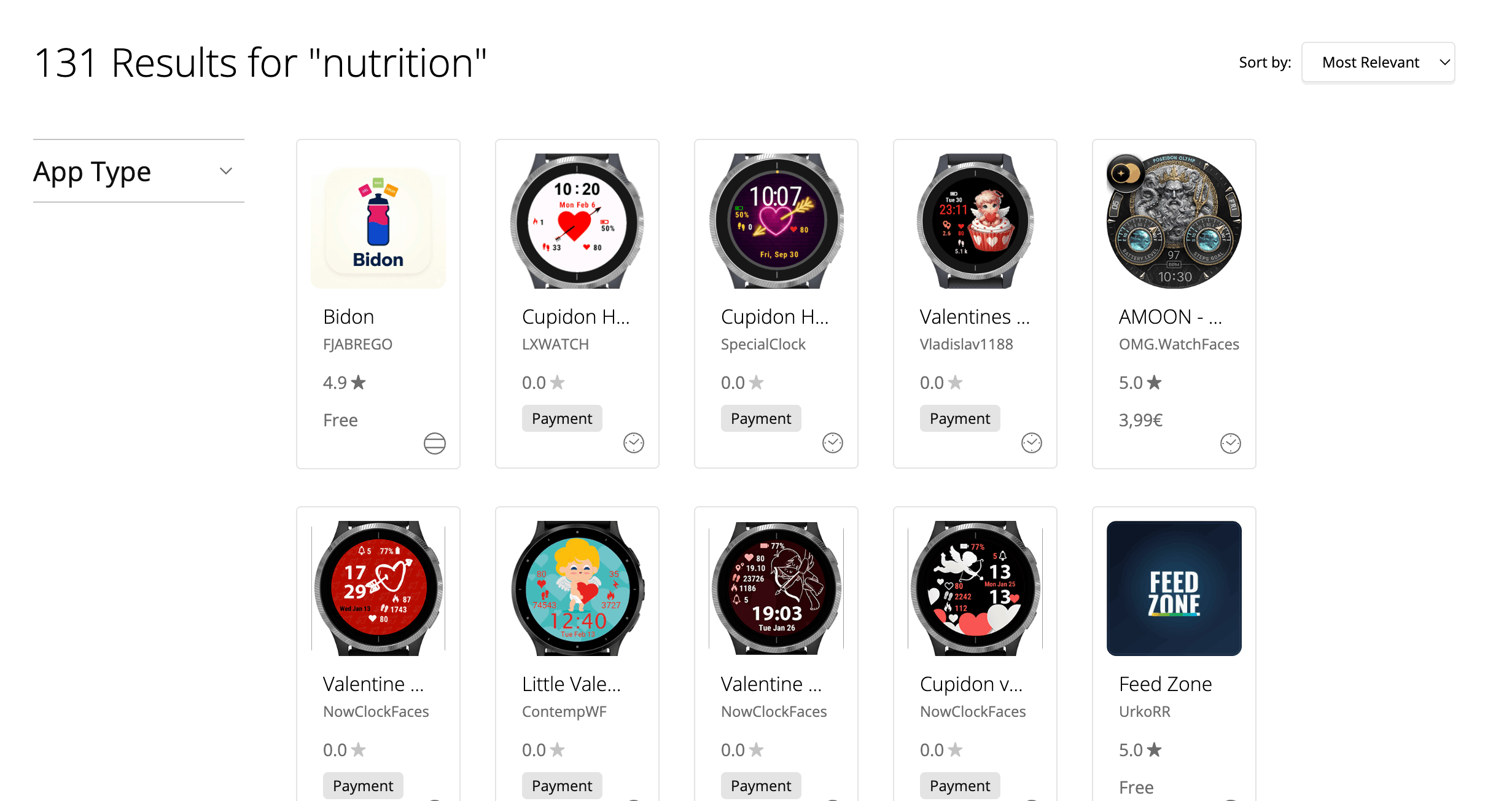
Get MoguWind for Garmin →The platform is open to developers like me, so anyone can build for it. That has created thousands of specialised tools. Nutrition trackers, interval timers, weather overlays, power widgets and more. For cyclists it has become essential, because it fills the gaps that Garmin's stock software does not always cover.
And Connect IQ apps run on the device itself, not synced from your phone like Strava segments. They work in real time during your ride, even if your phone is at home or has no signal.
Connect IQ apps run on the device itself, so they work even if your phone is at home.
How Connect IQ Works
The idea is simple. You browse the Connect IQ Store, from your Garmin or the Garmin website, tap Install, and the app downloads to your device over Bluetooth. After that you reach it the same way as the stock apps, by swiping through the menu.
Connect IQ apps come in a few forms.
- Data fields. Show custom metrics during a ride. Your cadence or power, the wind direction with an app like MoguWind, or when to eat and drink with Bidón.
- Widgets. Show information when the device is idle, like the sunrise time or the forecast.
- Apps. Standalone tools you open by hand, like interval timers or pacing calculators.
- Watch faces. Custom designs that replace the default clock.
Each one is written in Monkey C, Garmin's own language, and goes through Garmin's review before it reaches the store, which checks for performance and safety issues.
Which Devices Support Connect IQ
Not every Garmin supports Connect IQ. The very old and some entry level models do not. But the vast majority of modern cycling computers and sports watches do, across the Edge, Fenix, Epix, Forerunner and other ranges.
One thing to keep in mind. Supporting Connect IQ is not the same as running a given app. Each app has its own list of supported models, because of memory and screen differences. MoguWind, for example, runs on 33 specific Garmin devices. So always check the Connect IQ Store for your exact model before you install anything.
Why Wind on Your Device Matters
One of the most practical uses of Connect IQ for cyclists is live weather, and above all the wind. Your Garmin can show generic weather, but a dedicated wind app shows you the wind speed and direction for where you are, at the moment you are riding.
Knowing the wind changes your ride. A headwind makes you rethink your pacing or pick a sheltered road. A tailwind at the start can mean a hard way home. A crosswind hits your handling and your energy. Without wind awareness you are not planning, you are hoping.
This is where MoguWind's Connect IQ app comes in. On the bike it shows the wind live on your screen, the arrow pointing where the wind is going, and the headwind, tailwind and crosswind in km/h. Instead of one number for the whole area, you see the wind that actually hits you. And before you leave, MoguWind Plan shows you that wind kilometre by kilometre for your route. By August 2026 the app had passed 10,000 downloads with a 4.7 rating across 33 compatible Garmin devices.
Instead of one number for the whole area, you see the wind that actually hits you.
See the wind at every kilometre of your next ride, before you leave.
Plan your route with MoguWind →The Same Idea for Fuelling
Wind is one example. Fuelling is another. On a long ride it is easy to forget to eat or drink until you are already empty, and doing the sums at 280 watts is not realistic. Bidón is a free Connect IQ data field for the Garmin Edge that tells you when to eat and when to drink, in real time, right on your screen. It works out the grams and millilitres from your effort, the temperature and the bottles you carry, or follows a plan you built on the web. Think of it as your nutritionist on the handlebar.
Free on Garmin Edge. Bidón tells you when to eat and drink so you never bonk again.
Get Bidón for Garmin →Installing and Managing Connect IQ Apps
Installing an app is simple, and the exact steps depend on your device.
From the website. Go to apps.garmin.com, search for the app, click Install and choose your device. It downloads over Bluetooth.
From the device. Some newer Garmins have a built in store. Swipe to the menu, open the store, browse and tap Install.
Storage and battery. Most Connect IQ apps are light and use little power. A wind app, for instance, refreshes every ten minutes or so and draws less than continuous GPS recording. Storage is rarely a problem unless you load dozens of apps onto an older device.
Uninstalling. Find the app in your menu, long press and choose Remove. You can always reinstall it later from the store.
The Real Advantage for Cyclists
Connect IQ turned Garmin devices from closed boxes into open platforms. You are no longer limited to what Garmin thinks you need. You add the tools that match how you actually ride.
For wind aware cyclists that means checking the wind in real time without stopping for your phone, and previewing the wind on your route before you leave the house. For fuelling it means the alerts come to you instead of you remembering. The platform has made it possible to ride smarter, not just harder.
You are no longer limited to what Garmin thinks you need.
See the wind at every kilometre of your next ride, before you leave.
Plan your route with MoguWind →Install it free on your Garmin from the Connect IQ Store, it takes two minutes.
Get MoguWind for Garmin →Keep reading about the wind app for Garmin.