
Best Garmin Connect IQ Apps for Cyclists and Cycling
Garmin Connect IQ has thousands of apps ready to install on your cycling device. We'll show you which ones actually matter for riders.
Your Garmin cycling computer is fast, reliable and tough. But out of the box it is missing features that matter on long rides. That is where Garmin Connect IQ apps come in. There are thousands of them, so finding the ones that actually improve your ride takes time. Let's cut through the noise and show you which belong on your device.
What Are Garmin Connect IQ Apps?
Garmin Connect IQ is an app store built into your Garmin. Unlike your phone, these apps run directly on your cycling computer. No syncing, no second screen to carry, no extra battery to babysit. Once installed, they show up as data fields, widgets or full screen apps on your device.
The platform is used by cyclists, runners, swimmers and gym athletes, with developers all over the world building tools that extend what your Garmin can do. Some are simple utilities, timers and navigation tweaks. Others are serious training tools that read your power meter, heart rate and GPS in real time.
These apps run directly on your cycling computer. No phone, no second screen, no extra battery to babysit.
The Apps Every Cyclist Should Know
Not every app earns its space. These are the categories that matter.
- Weather and wind forecasting. Apps that show you the wind for your ride. Key for choosing when to go and which way to ride.
- Route planning and navigation. Apps that make it easier to follow a route or adjust it mid ride.
- Power and performance. Deeper stats for riders with a power meter than the default screens give you.
- Nutrition. Apps that tell you when to eat and drink, so you do not run out of fuel on a long day.
- Structured training. Apps that guide you through interval sessions and training blocks.
- Custom data fields. Displays that show only the metrics you actually check.
MoguWind, Wind Forecasting on Your Device
MoguWind is a free Connect IQ data field that solves a real problem, knowing which parts of your route will be windy. On the bike it shows the wind live on your screen, a big arrow for where the wind is going, plus the headwind, tailwind and crosswind in km/h, the gusts and the temperature. Instead of one wind speed for the whole area, you see the wind that is actually hitting you.
And before you leave, MoguWind Plan shows the wind kilometre by kilometre for your route and lets you compare days and times. If a headwind hits a climb on Thursday but a tailwind pushes it on Friday, you see that difference and pick your window. It runs on real forecast data from Open-Meteo, so no guessing and no "it felt windier than expected".
By August 2026 the app had passed 10,000 downloads with a 4.7 rating on the Connect IQ Store, and it works on 32 Garmin models. Whether you have an Edge 530, an Edge 1040 or a fēnix 7, it runs on your computer or watch.
Instead of one wind speed for the whole area, you see the wind that is actually hitting you.
Free to install. Takes two minutes on the Connect IQ Store. Works on 32 Garmin devices.
Get MoguWind for Garmin →Other Essential Connect IQ Apps
Beyond MoguWind, a few more deserve a spot on your device.
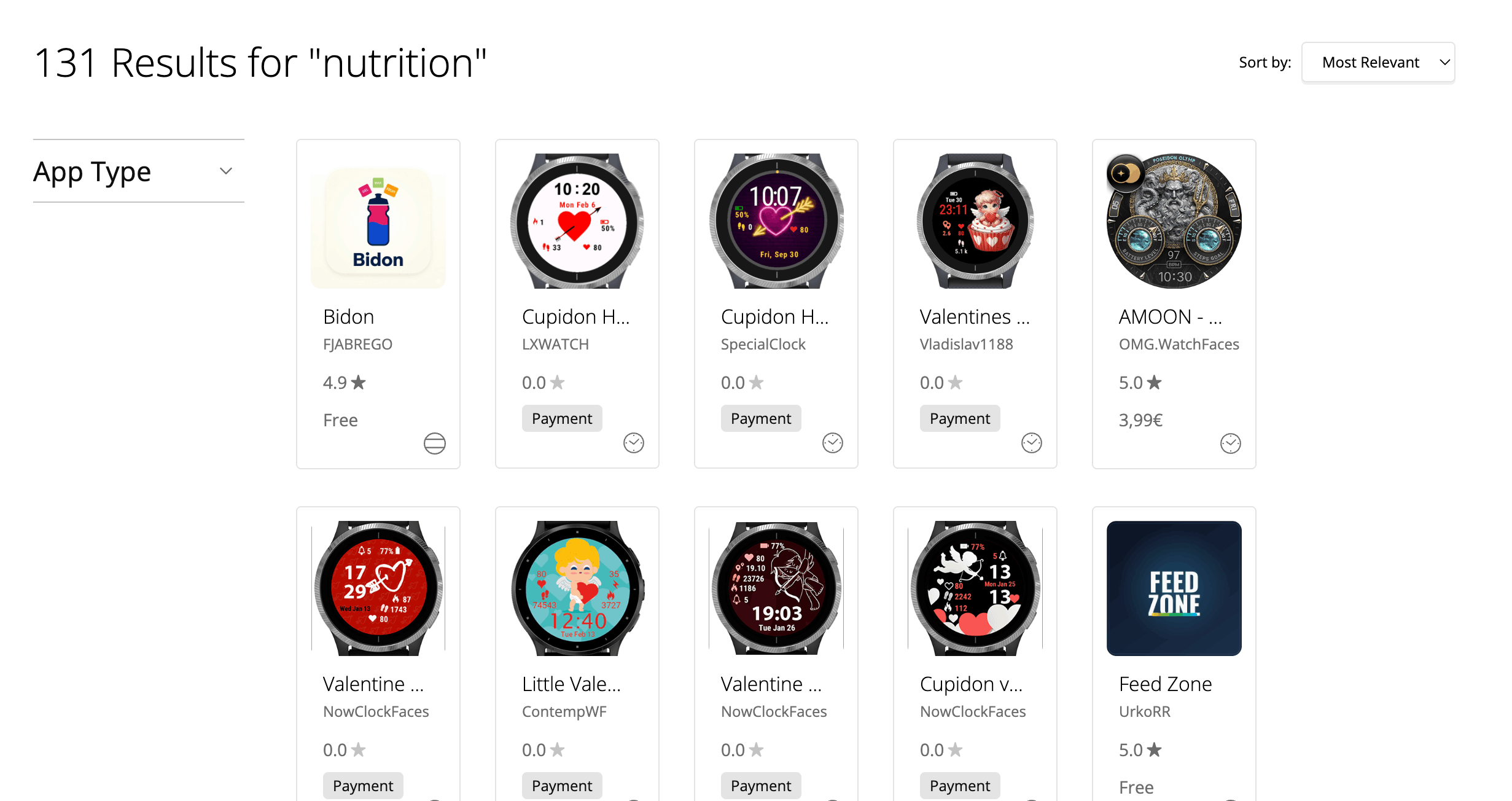
Bidón (nutrition). A free data field that tells you when to eat and when to drink in real time, worked out from your effort, the temperature and the bottles you carry. It takes the guesswork out of fuelling so you do not bonk late in a long ride.
Komoot (navigation). If you plan routes in Komoot, this lets you navigate them on the Garmin without pulling out your phone. Smooth if you already live in the Komoot ecosystem.
Strava Beacon (safety). Live location sharing with a few chosen contacts. Not a training tool, but real peace of mind on solo rides.
TrainingPeaks (workouts). If you follow a structured plan, this syncs your workouts to the device so you see your intervals on the screen as you ride.
Free on Garmin Edge. Bidón tells you when to eat and drink so you never bonk again.
Get Bidón for Garmin →How to Install Connect IQ Apps
Installing takes three steps.
- On your phone or computer, open the Garmin Connect IQ Store.
- Search for the app, for example "MoguWind", and check it supports your model.
- Tap Install. It syncs to your Garmin within minutes over Bluetooth.
Once installed, the app lives on your device. You manage it from the Connect app or the Garmin's own menu, and uninstalling is just as easy if an app does not earn its place.
Free vs Paid Apps
Most good cycling apps are free. MoguWind is free. Bidón is free. Strava Beacon is free. Komoot navigation is free, though Komoot Premium is paid on the web. Some developers offer a free version with limited features and a paid upgrade, but the cycling app world is generous compared with the phone stores.
Before you download, check the reviews. A solid free app with a few hundred five star ratings is worth five minutes of your time. A paid app with almost no reviews is a gamble.
Building Your Personal App Stack
You do not need 20 apps. Your Garmin will slow down and you will never use most of them. A solid setup for a serious cyclist looks like this.
- One wind app, MoguWind, for the wind on your rides.
- One nutrition app, Bidón, if you do long rides and want to nail your fuelling.
- One navigation app if you use a service like Komoot or a route planner.
- One training app if you follow structured workouts, like TrainingPeaks.
- One or two custom data fields for the metrics you check most.
- Optional, a safety app like Strava Beacon if you ride solo a lot.
That keeps your device quick, your battery reasonable and your head clear on the ride. Every app should answer one question. Will this help me ride better or safer today? If not, delete it.
Every app should answer one question. Will this help me ride better or safer today?
Connect IQ is powerful because it lets you build a device that fits your exact riding. Start with the essentials, wind, nutrition, navigation and training, and add more only when you find a real gap.
See the wind at every kilometre of your next ride, before you leave.
Plan your route with MoguWind →